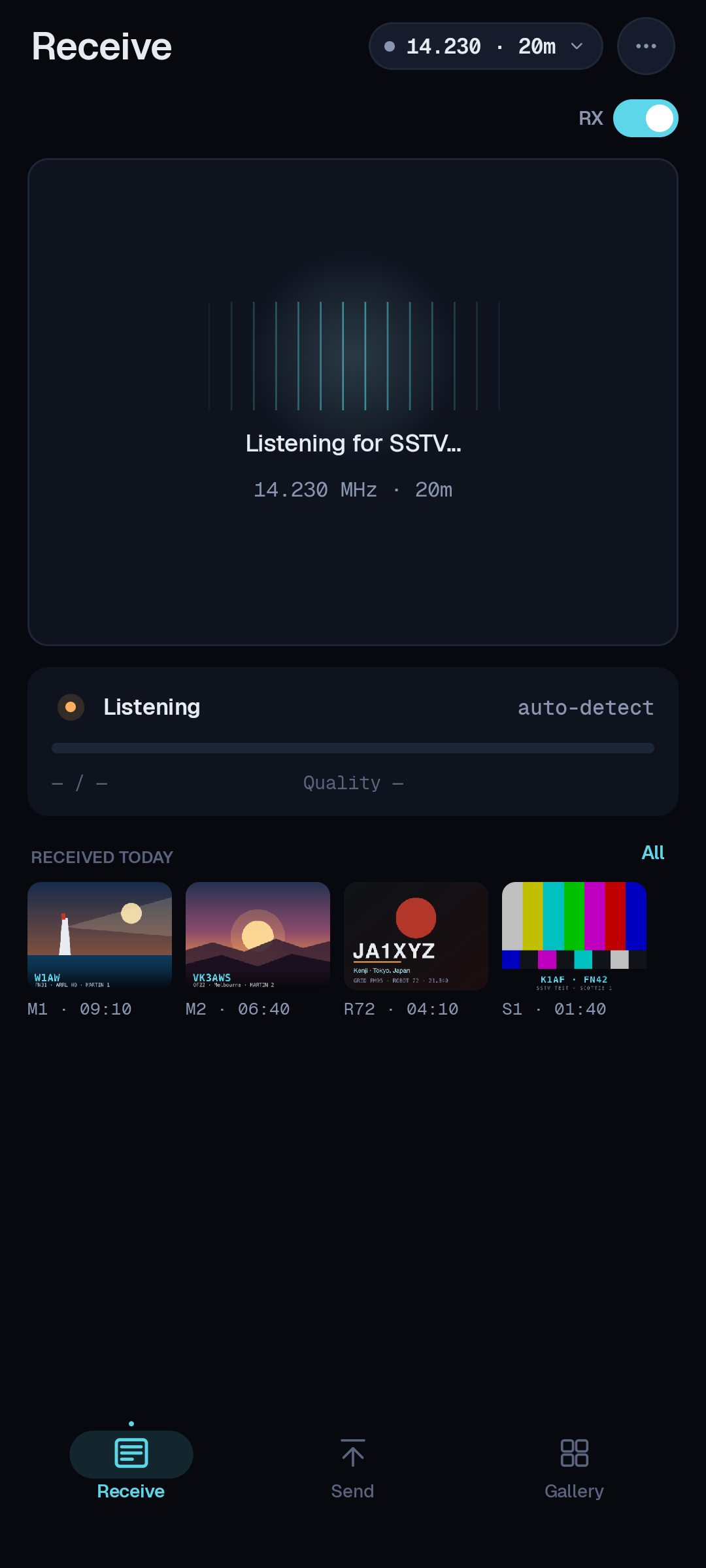
Watch pictures paint in, live
Tune to an SSTV calling frequency and SSTV-AF renders the incoming image line by line as the tones arrive, with a live signal-quality readout so you can see how clean the copy is as the picture builds. Automatic slant correction keeps the lines square even when clocks drift.
- Live line-by-line image rendering as tones arrive
- Automatic slant / skew correction for clean pictures
- A signal-quality readout that climbs as the copy comes in clean
Nine SSTV modes, one app
SSTV-AF decodes and transmits the classic mode families — Scottie 1/2, Martin 1/2, Robot 36/72 and PD 50/90/120. On receive, the VIS header at the start of every transmission tells the app which mode to use, so pictures just appear. On transmit, you pick the mode that fits the band and the picture.
- Scottie & Martin for HF, Robot for quick VHF frames
- PD modes for higher-resolution pictures
- VIS auto-detect on receive — no guessing the mode
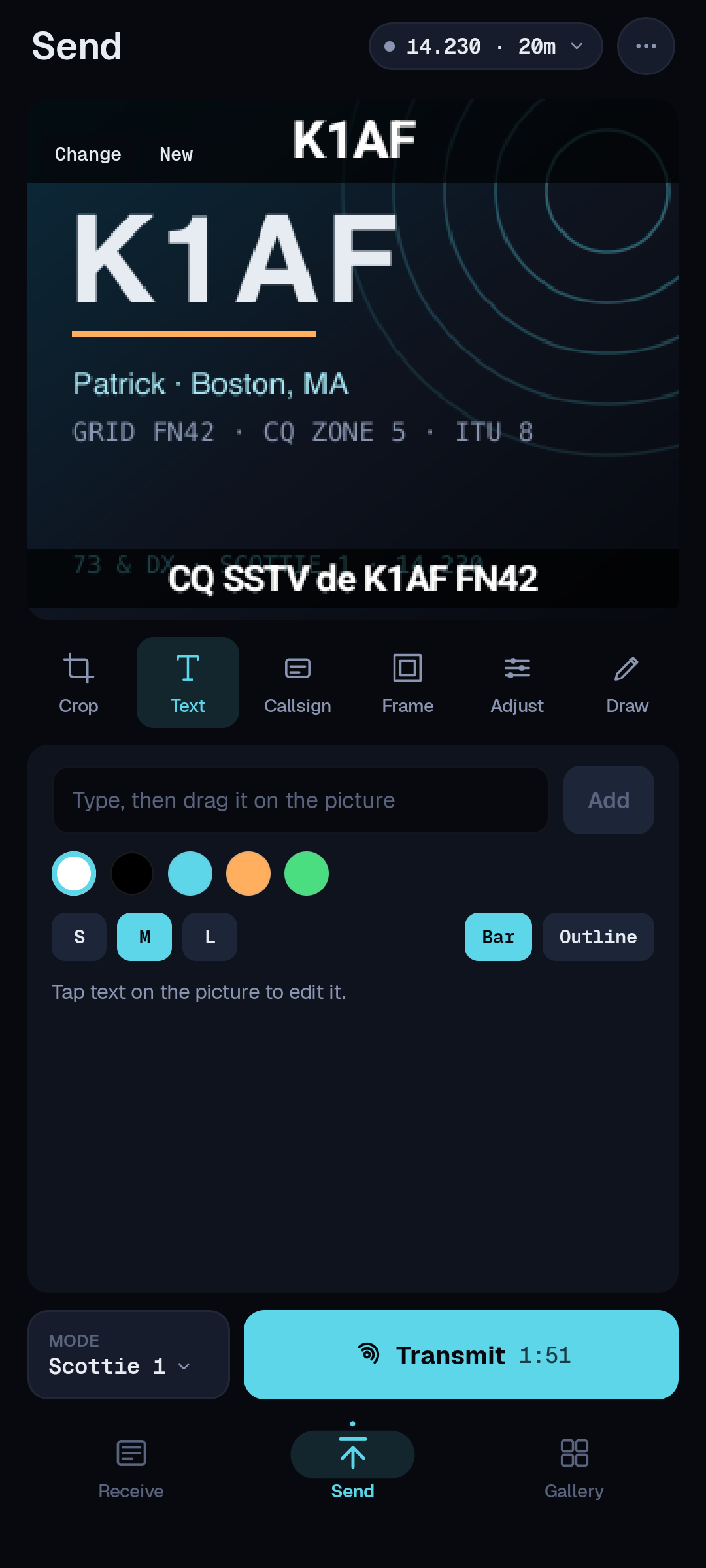
Send any picture you like
Pick a photo from your gallery or snap one with the camera, add a text or callsign overlay, choose a mode, and hit send. SSTV-AF encodes the image to tones and keys your rig over CAT — no external interface, no patch cables.
- Send from gallery or camera, fitted to SSTV proportions
- Burn in your callsign, grid or a caption
- One-tap encode-and-transmit over USB CAT PTT
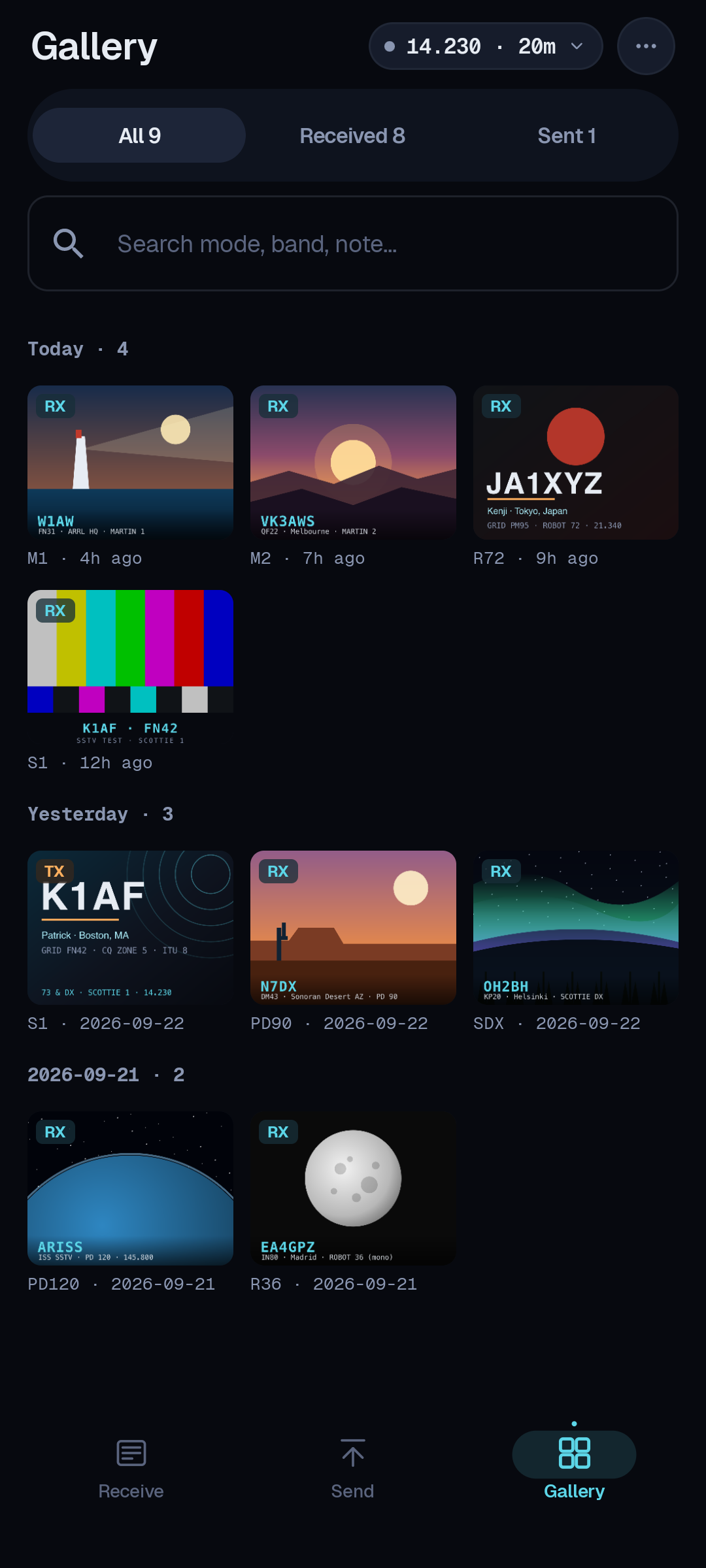
Every image, kept and organized
SSTV-AF saves every picture you receive and every one you send into a built-in gallery, each stamped with the date, frequency and mode it came in on. Scroll back through a whole session, tap any frame to see the details, and share or export the ones worth keeping.
- Received & sent images saved automatically
- Time, frequency and mode on every frame
- Share to any app, or export to your phone's photos
USB CAT for 75+ radios
Plug your rig straight into your phone with a single USB-C cable. SSTV-AF handles CAT frequency control, USB audio, and PTT across 75+ rig models — Icom, Yaesu, Kenwood, Xiegu, Elecraft, FlexRadio, Lab599 and more — inheriting FT8AF's hardened, much-fixed connection layer.
- 75+ rigs — Icom, Yaesu, Kenwood, Xiegu, Elecraft & more
- ALC auto-leveling and an SWR-triggered TX halt
- Real-time TX volume from the phone's hardware buttons
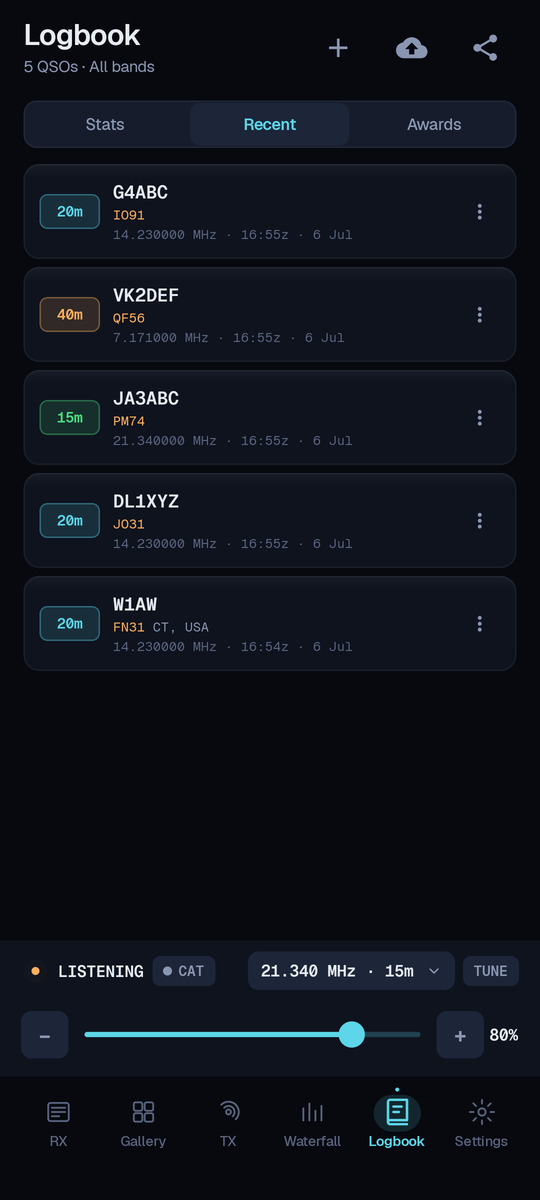
Log every contact, automatically
Configure your log once and forget it. When you work a station, SSTV-AF writes the QSO to the on-device logbook and pushes it up to Cloudlog and Wavelog — and the whole book exports to ADIF whenever you want it.
- Automatic upload to Cloudlog / Wavelog
- One-tap ADIF export of the whole logbook
- Band, mode and both signal reports captured
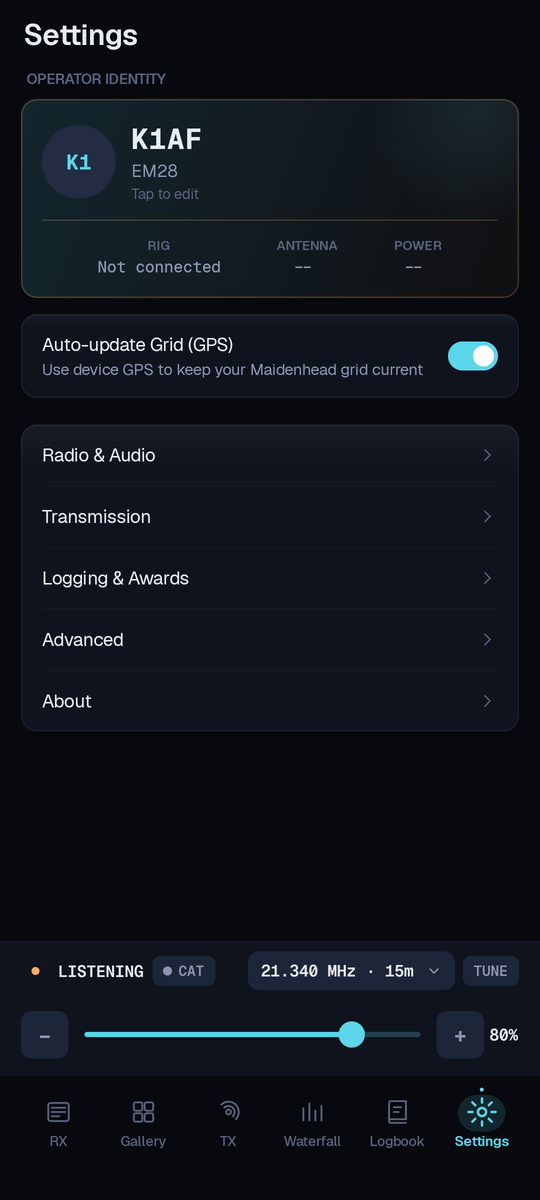
Material 3 dark UI
The whole interface is a Jetpack Compose build on a Material 3 dark theme — high-contrast, legible at a glance in bright sun or a dark shack, and laid out for thumbs. Settings drill down into clean categories, and the picture views go full-screen when you want them to.
- Drill-down Settings and a full-screen image viewer
- Operator card with your grid, antenna & power
- Tuned for one-handed field operating
Localized in 16 languages
SSTV-AF inherits FT8AF's full localization — sixteen languages, all contributed by the community — and auto-switches to your Android device's locale, with right-to-left layout for Arabic.
- Community-contributed translations, including right-to-left Arabic
- Android auto-locale detection — no manual switching
- More languages welcome — PRs open on GitHub